YouGooDai
Mobile of the Day

YouGooDai

5.0 FREE
  • Screenshot 1
  • Screenshot 2
  • Screenshot 3
  • Screenshot 4
  • Screenshot 5
  • Screenshot 6

Description

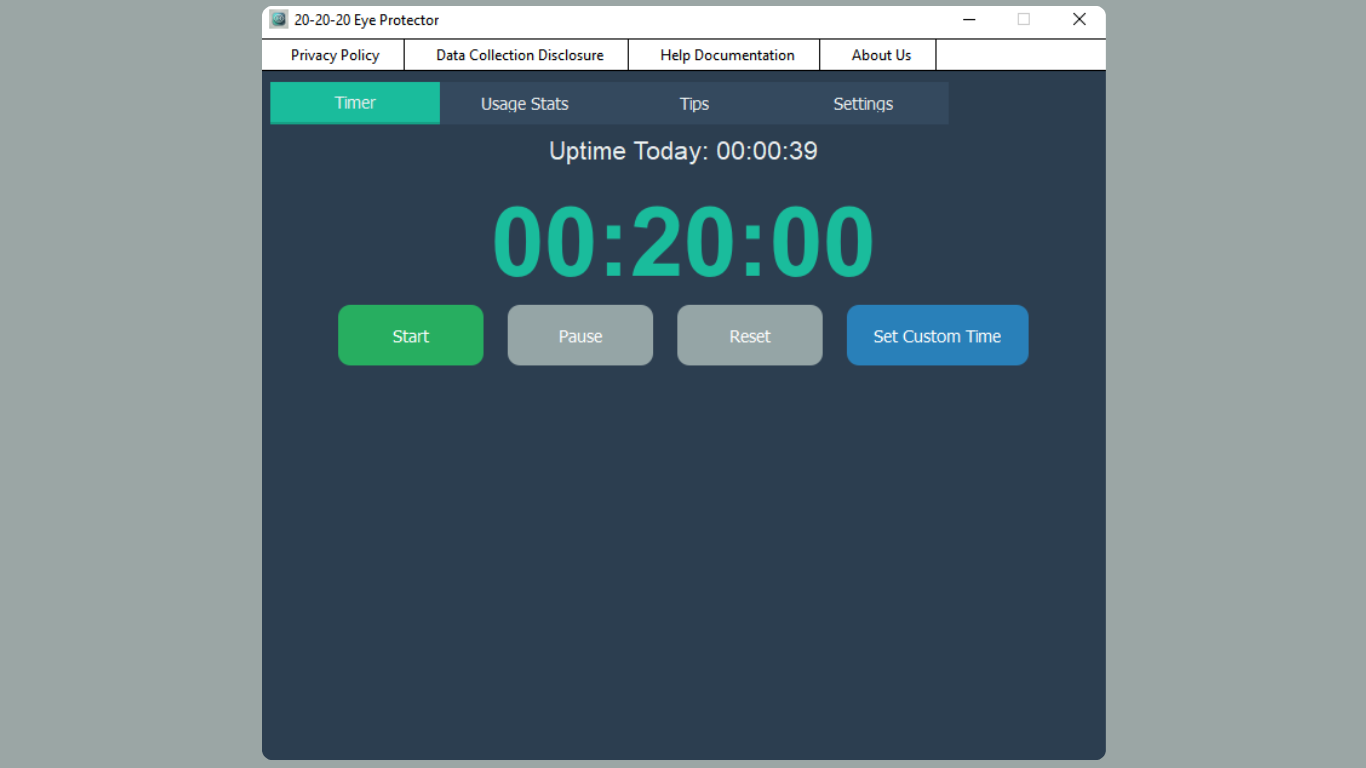
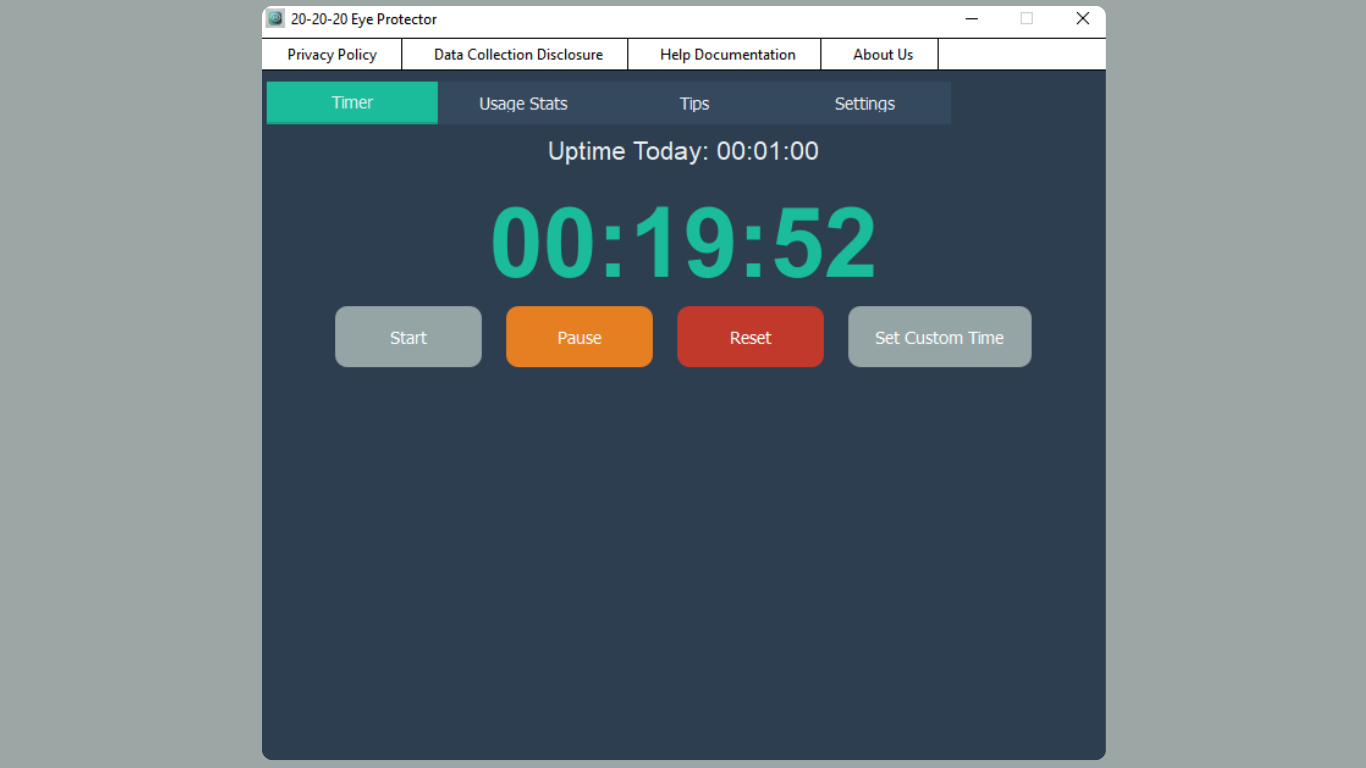
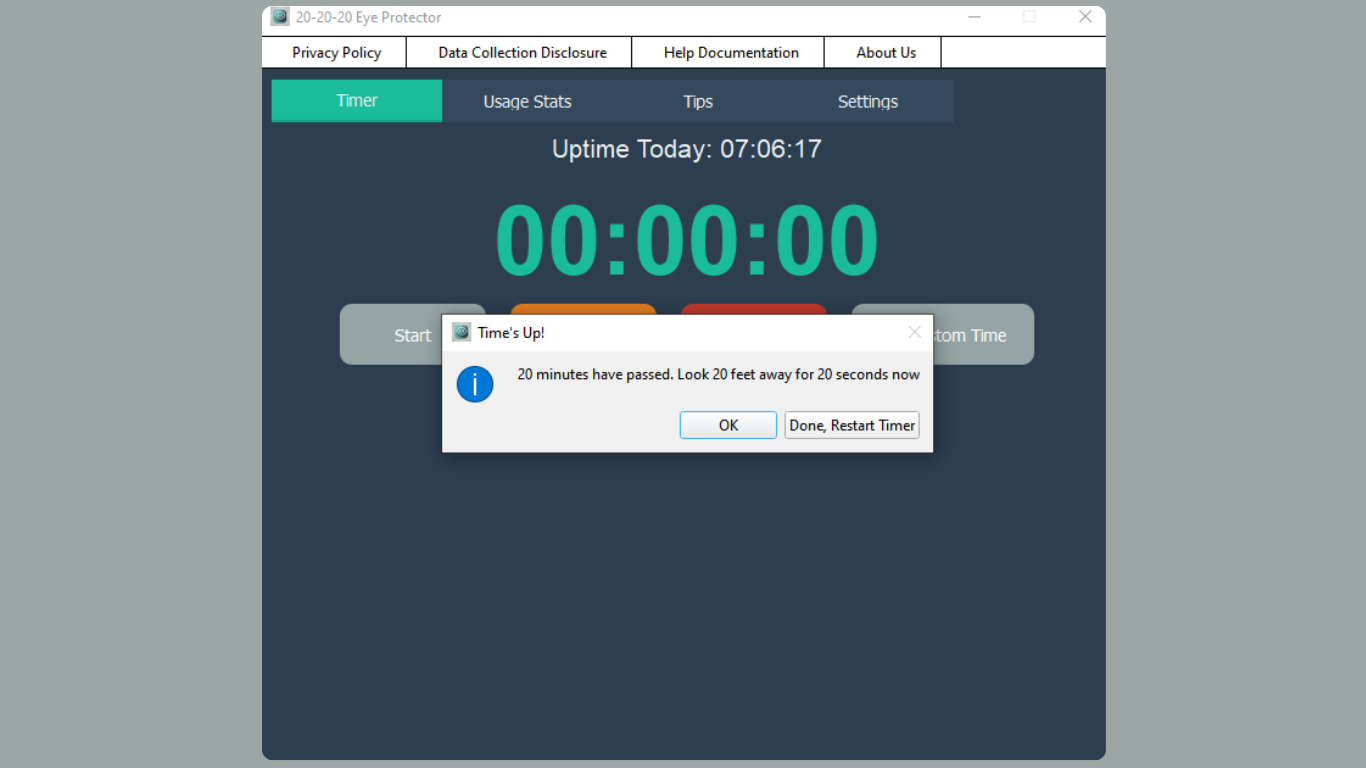
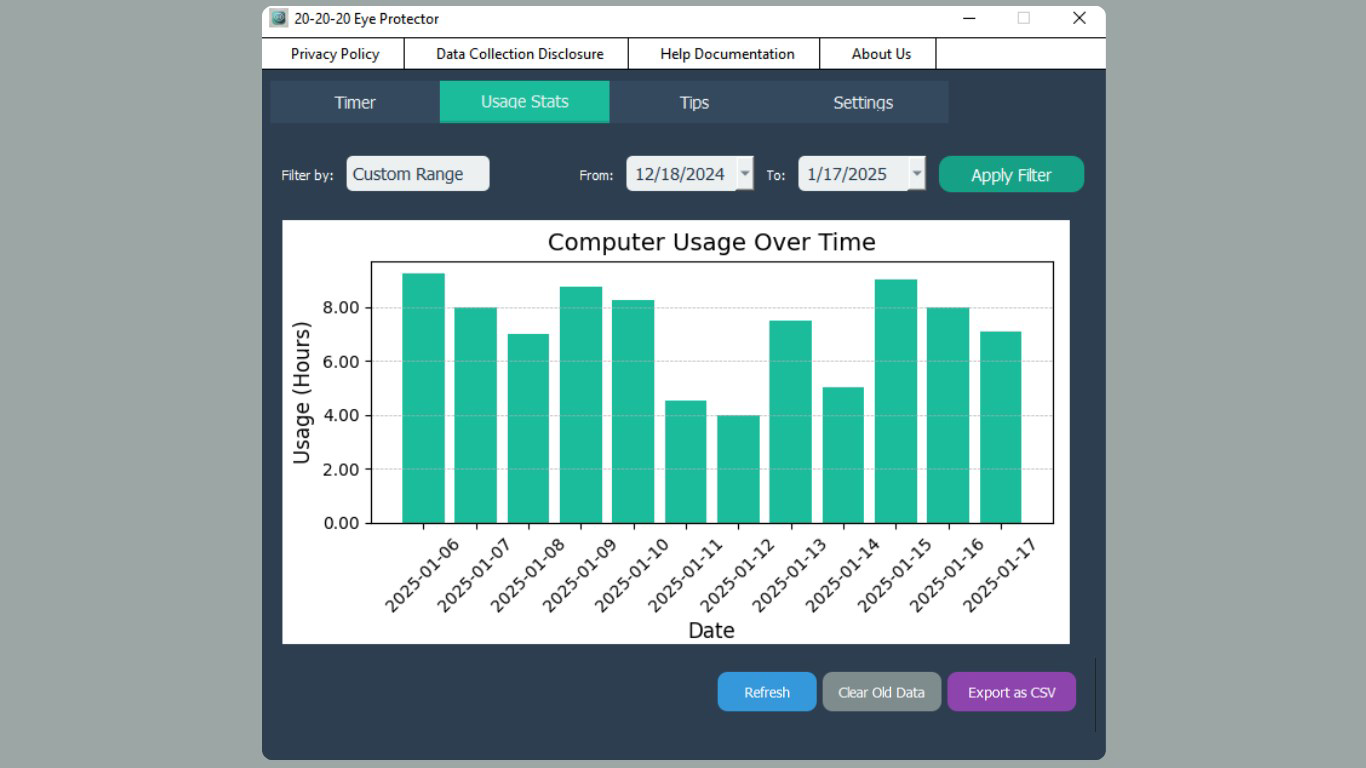
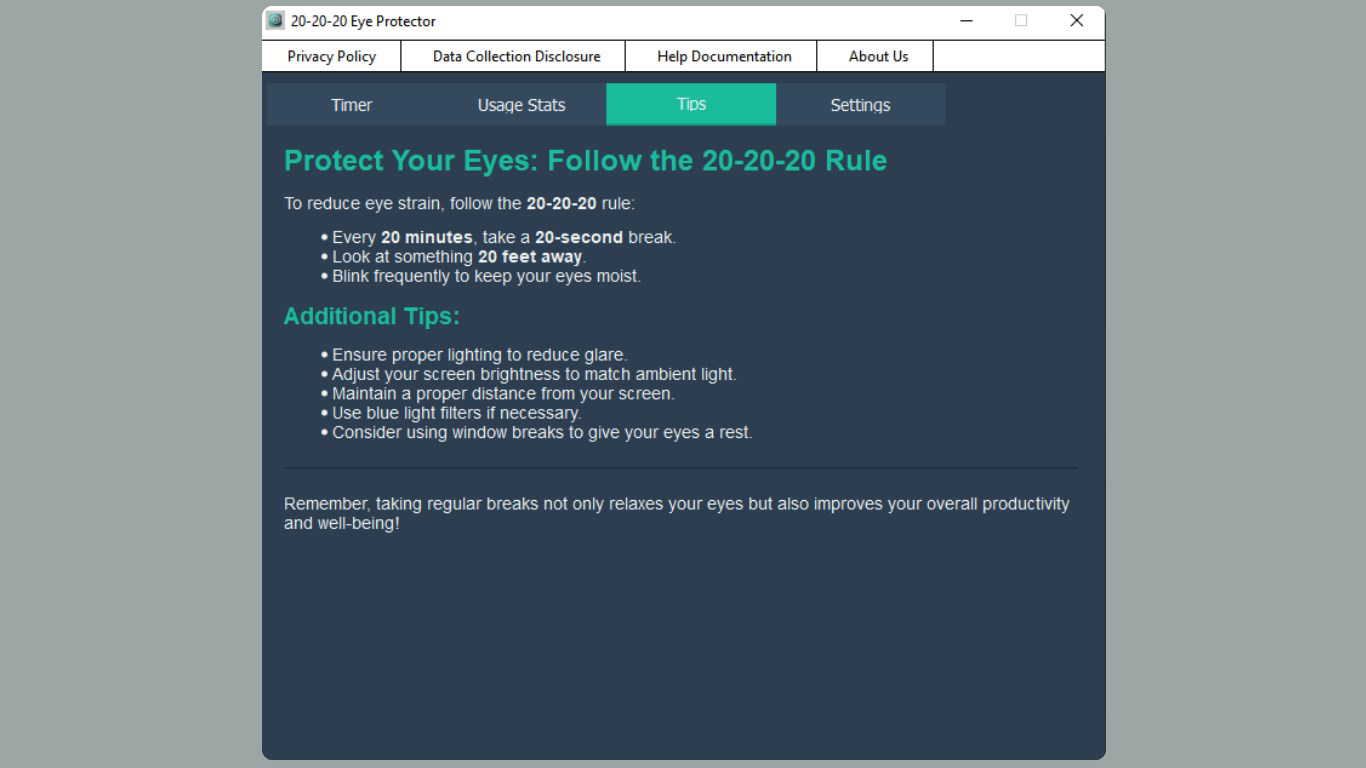
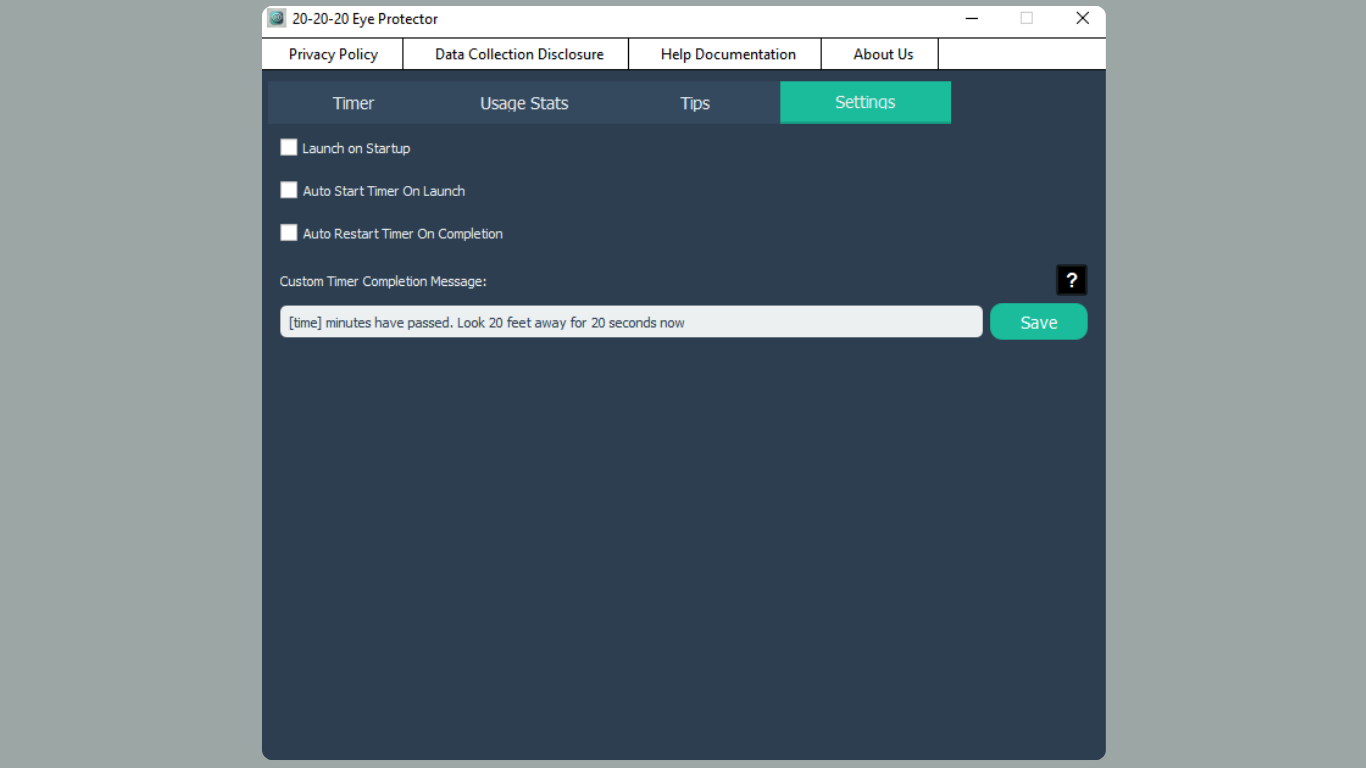
About 20-20-20 Eye ProtectorThe 20-20-20 Eye Protector is an essential app for anyone spending extensive time in front of screens. It encourages healthy eye care habits by reminding users to look away from their computers at regular intervals, reducing the risk of digital eye strain. With features like customizable timers and comprehensive usage tracking, it ensures your vision is guarded while you stay productive. Features of 20-20-20 Eye Protector - Smart Timer Functionality: The app includes a smart timer that allows users to set custom intervals for breaks. This feature adheres to the 20-20-20 guideline, reminding users to take a moment to rest their eyes every 20 minutes. Flexibility in timer settings enables a personalized eye care experience. - Usage Statistics Tracking: 20-20-20 Eye Protector provides detailed graphs and statistics about your PC usage. Access daily, weekly, and monthly views to better understand your screen time habits. Generate CSV reports for a closer analysis of your computer usage patterns. - Gentle Break Reminders: This app sends gentle, non-intrusive reminders to take breaks, ensuring your workflow remains uninterrupted. The reminders can include personalized messages to enhance the user experience and increase adherence to healthy eye habits. - Privacy-Focused Design: All data collected by the 20-20-20 Eye Protector is stored locally on your device, ensuring your privacy is maintained. There are no ads or in-app purchases, providing a clutter-free experience. This app is designed for users who prioritize their information security. - Minimal System Resource Usage: The application is designed to consume minimal system resources, which allows for seamless background operation without affecting your overall computer performance. It can also be set to auto-start, ensuring you’re never reminded to take a break. Release Date of 20-20-20 Eye Protector 2025-01-24Reviewed by Arnold A. HoweShow MoreShow Less

Guides & Tutorials for 20-20-20 Eye Protector

How to install 20-20-20 Eye Protector
  1. Click the Preview / Download button above.
  2. Once redirected, accept the terms and click Install.
  3. Wait for the 20-20-20 Eye Protector download to finish on your device.
How to use 20-20-20 Eye Protector

This software is primarily used for its core features described above. Open the app after installation to explore its capabilities.

User Reviews for 20-20-20 Eye Protector 0

    No reviews found

Similar Apps
